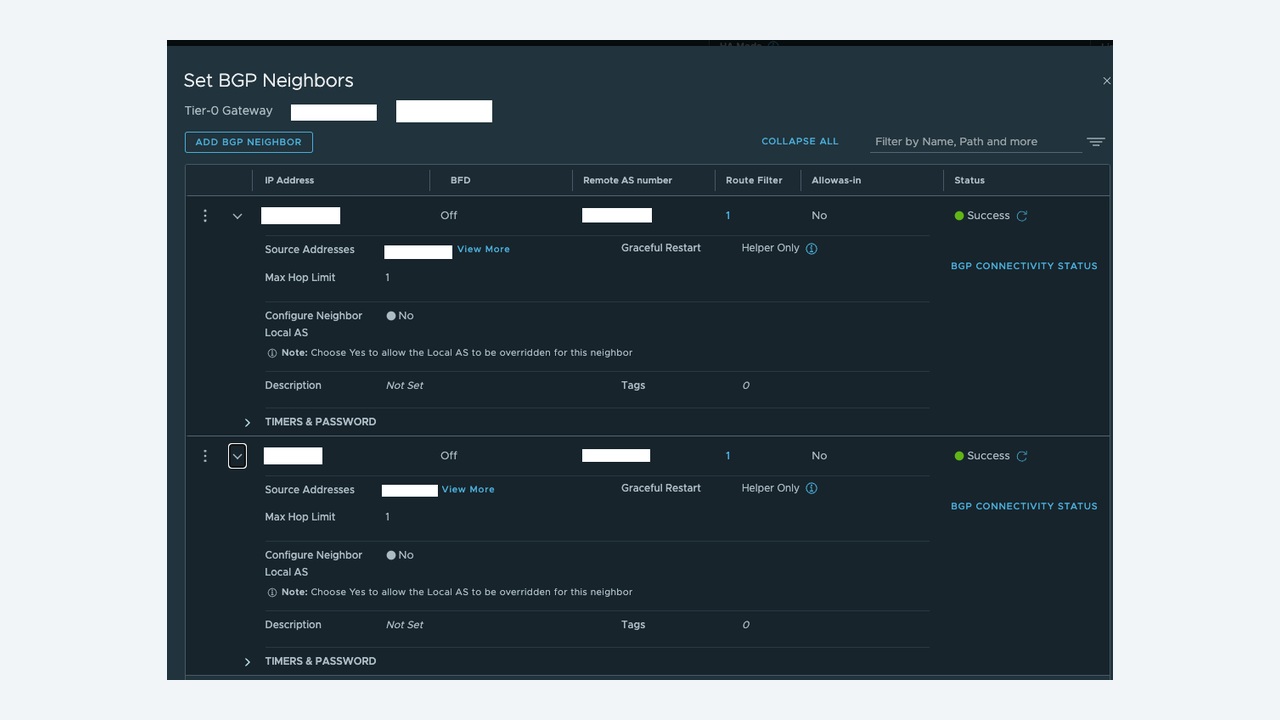
Overlay networking is only useful if it can reach the outside world, and in NSX that path runs through a Tier-0 gateway peering with the physical fabric over BGP. When north-south traffic fails, engineers often start deep in the overlay when the fault is a single mistyped remote AS number or an uplink VLAN that was never trunked. This guide is a structured walk from Tier-1 to Tier-0 to the physical router.
The north-south path in one paragraph
A workload segment connects to a Tier-1 gateway. The Tier-1 advertises its connected segments to the Tier-0 gateway over an automatically created router link (the 100.64.0.0/16 transit). The Tier-0 runs on Edge nodes, has uplink interfaces on VLAN-backed segments, and peers with the physical routers over eBGP. Route redistribution on the Tier-0 decides which internal prefixes are advertised out. Break any one of those four links and traffic dies.
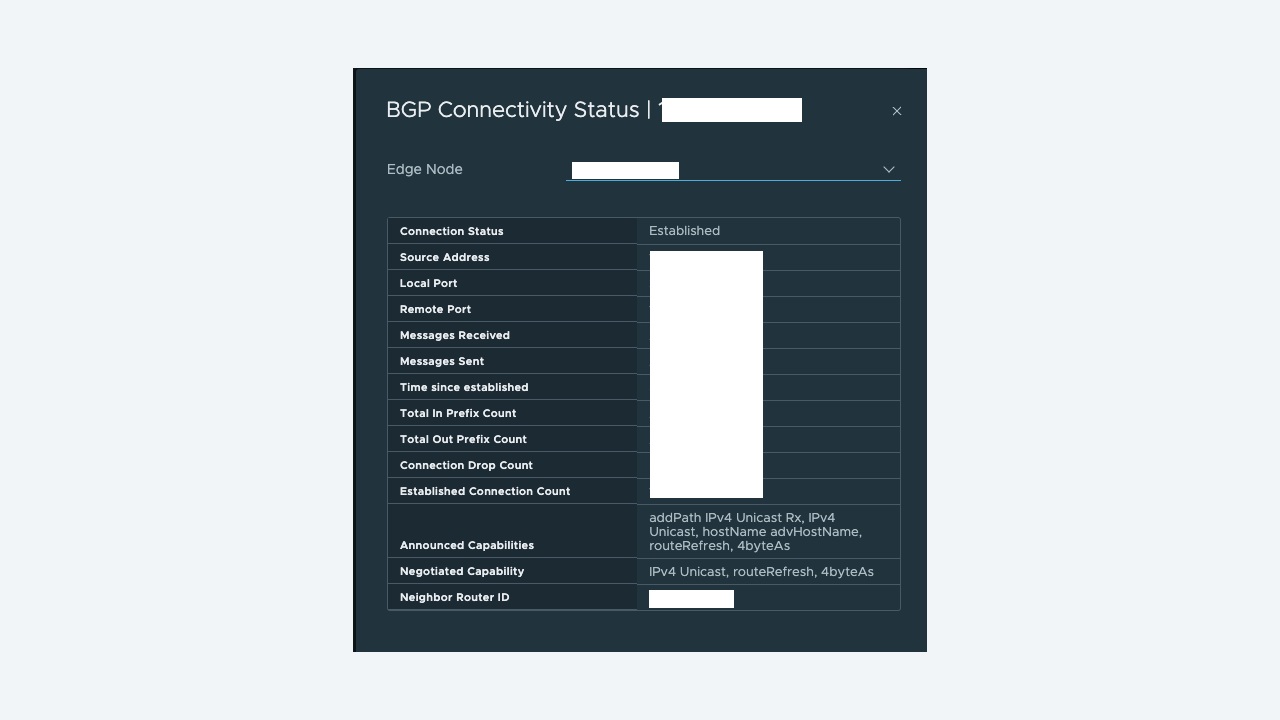
Step 1: read the BGP state and interpret it correctly
SSH to the Edge node, enter the relevant VRF, and look at the summary:
get logical-routers
vrf <t0-sr-vrf-id>
get bgp neighbor summary
get bgp neighbor <ip> advertised-routes
get bgp neighbor <ip> routes
get route
The state tells you where to look:
| State | Meaning | Investigate |
|---|---|---|
| Idle | Not attempting | Neighbour administratively down, or no route to the peer |
| Connect / Active | TCP session failing | Layer 2/3 reachability, uplink VLAN, TCP 179 blocked, wrong peer IP |
| OpenSent / OpenConfirm | TCP up, parameters rejected | Remote AS mismatch, router ID conflict, MD5 password mismatch |
| Established, 0 prefixes | Session fine, policy wrong | Route redistribution, route maps, prefix lists on either side |
That table alone resolves most cases. A session in Active is a transport problem; a session Established with no prefixes is a policy problem. Never treat them the same way.
Step 2: transport problems – prove the uplink
From the Edge, ping the peer from the correct interface:
get interfaces
ping <peer-ip> source <uplink-ip>
get arp-table
If that fails, check, in order: the uplink VLAN-backed segment is on the right VLAN; the Edge uplink trunk on the physical switch carries that VLAN; the Edge VM's vNIC is on the correct trunk port group with the required VLAN range; and the Edge uplink profile teaming policy. On the physical side, confirm the SVI is up and no ACL blocks TCP 179.
Also check for MTU mismatches on the uplink – BGP will establish over small packets and then fail to exchange a large update, producing a session that flaps every few minutes with no obvious cause.
Step 3: parameter problems
If TCP connects but the session never reaches Established, compare both ends carefully:
- Remote AS on the Tier-0 must equal the physical router's local AS, and vice versa.
- Local AS on the Tier-0 is set once at gateway level; every neighbour inherits it.
- MD5 password must match exactly, including trailing spaces pasted from a document.
- eBGP multihop must be raised if the peer is more than one hop away, which is common when peering to loopbacks.
- Router ID collision between two Edge nodes or with a physical router will prevent the session forming.
get bgp neighbor <ip> verbose
get bgp
Step 4: Established but no routes – the policy layer
Work outward from the workload:
- Tier-1 route advertisement. On the Tier-1, confirm Connected Segments (and any NAT, LB VIP or DNS forwarder IPs you need) are set to advertise to the Tier-0.
- Tier-0 redistribution. Under the Tier-0 Route Re-distribution, enable the sources you need: Tier-1 connected segments, Tier-1 NAT IPs, Tier-0 static routes. Forgetting “Tier-1 Connected” is the single most frequent cause of “BGP is up but nothing works”.
- Route maps and prefix lists on the Tier-0 neighbour, then the equivalent filters on the physical router. Both sides filter; check both.
- Verify what is actually sent:
get bgp neighbor <ip> advertised-routes
get route bgp
get forwarding <destination-ip>
get forwarding is under-used and excellent – it tells you the exact next hop the data plane will use for a given destination, which settles disputes about whether a route is merely present or actually selected.
Step 5: Edge node and HA considerations
A Tier-0 in active/standby runs the service router on one Edge at a time; the standby does not peer with full functionality. Check which node is active before you interpret CLI output:
get high-availability status
get logical-router <uuid> high-availability status
Other Edge-level issues worth checking:
- Edge in maintenance mode silently stops forwarding – verify with
get maintenance-mode. - Edge TEP problems break the overlay leg even when the BGP uplink is perfect, so north-south fails for workloads while the peering looks healthy.
- Resource contention. Edge VMs need reservations; a starved Edge drops BFD and flaps both BGP and tunnels.
- Asymmetric design. If both Edges advertise equally but the physical side prefers one path while return traffic takes the other, stateful services such as NAT and the gateway firewall will drop flows. Use AS path prepending or local preference to keep a deterministic path.
Worked example: new segment unreachable from the campus network
A team added a segment 10.60.12.0/24 on an existing Tier-1. East-west worked, north-south did not. BGP was Established with 42 prefixes received and 18 advertised – but not the new one. Route advertisement on the Tier-1 had “Connected Segments & Service Ports” enabled, so the prefix reached the Tier-0 and appeared in get route. The Tier-0 neighbour, however, had an outbound prefix list built for the original supernet 10.60.0.0/22, and the new segment sat outside it. Extending the prefix list to 10.60.0.0/20 published the route immediately.
The diagnostic that saved time was get bgp neighbor <ip> advertised-routes: the route was in the routing table but not in the advertisement, which points straight at outbound policy rather than redistribution.
Checklist
- Neighbour state – transport problem or policy problem?
- Ping the peer from the uplink address; check VLAN and trunk.
- Compare AS numbers, passwords, multihop, router IDs.
- Tier-1 advertisement, then Tier-0 redistribution, then route maps both sides.
advertised-routesandget forwardingto confirm reality.- Check which Edge is active and whether it is resource starved.
Document the peering design – AS numbers, uplink VLANs, prefix lists and the intended traffic path – and keep it with the change record. Most BGP incidents in NSX are not protocol failures; they are undocumented policy meeting an undocumented change.
BFD on the uplink, and why sessions flap at the worst moment
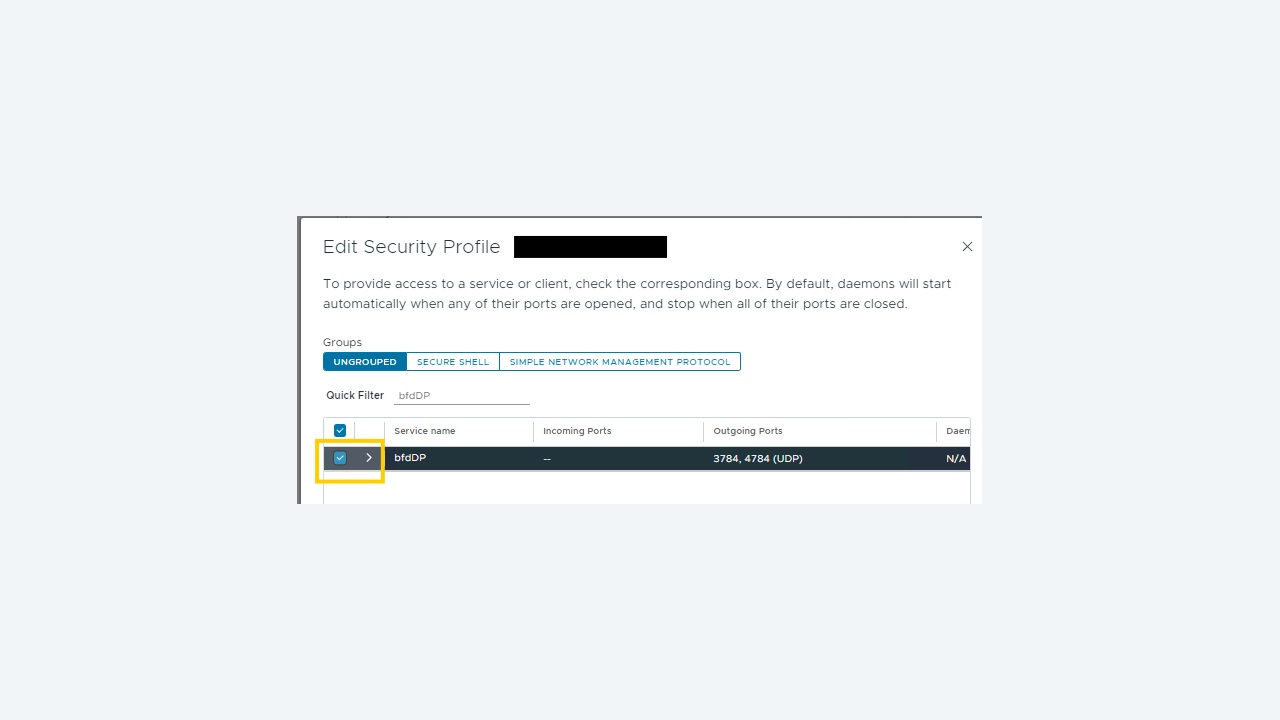
BGP alone can take tens of seconds to notice a dead peer, so most designs enable BFD on the Tier-0 uplinks with sub-second intervals. That speed is a liability if the Edge is starved. Check the sessions and their statistics:
get bfd-sessions
get bfd-sessions stats
get bgp neighbor <ip> verbose | grep -i bfd
If BFD drops coincide with periods of high traffic, look at Edge resources rather than the network: CPU reservations, the Edge form factor, and whether the Edge VM shares a host with noisy workloads. Raising the BFD interval is a legitimate short-term mitigation, but the correct fix is nearly always to give the Edge the resources its form factor assumes.
ECMP and asymmetric return paths
Tier-0 gateways in active/active mode with multiple Edge nodes use ECMP for north-south traffic, which multiplies throughput and also multiplies the ways a design can go wrong. Two rules keep it sane. First, stateful services – NAT, the gateway firewall, load balancing – are not compatible with active/active ECMP on the same Tier-0; those services belong on a Tier-1 or on an active/standby Tier-0. Second, the physical side must be able to hash returning traffic back to any Edge that could have sent it, which means all Edge uplinks must be reachable from the same set of physical routers with equivalent cost.
Confirm the paths in use:
get route
get forwarding
get bgp neighbor summary
If get route shows several equal-cost next hops but traffic only ever uses one, look at the physical router's load-sharing configuration, not at NSX.
Route filtering that bites later
Prefix lists and route maps written during the initial build are the most common cause of “it worked for two years and then the new subnet failed”. Adopt two habits. Advertise summarised supernets with room to grow rather than individual segment prefixes, so adding a segment does not require a routing change. And always check the inbound direction too – a default route received from the fabric can be filtered out by an inbound policy, leaving workloads that can be reached from outside but cannot initiate anything.
get bgp neighbor <ip> routes
get bgp neighbor <ip> advertised-routes
get route static
A repeatable verification after any routing change
Before closing the change, run a short, fixed set of checks and paste the output into the record: neighbour states all Established with expected prefix counts in both directions; the specific new prefix present in advertised-routes; get forwarding returning the intended next hop for a test destination; a ping and an application-level test from a workload to an external service; and a failover test if the window allows – put one Edge into maintenance mode and confirm traffic continues over the other before returning it to service.
Routing problems in NSX are rarely mysterious once the state is read in the right order. Session state first, transport second, parameters third, policy last – and always confirm with what the gateway is actually advertising rather than what the configuration says it should.